Keepsy.
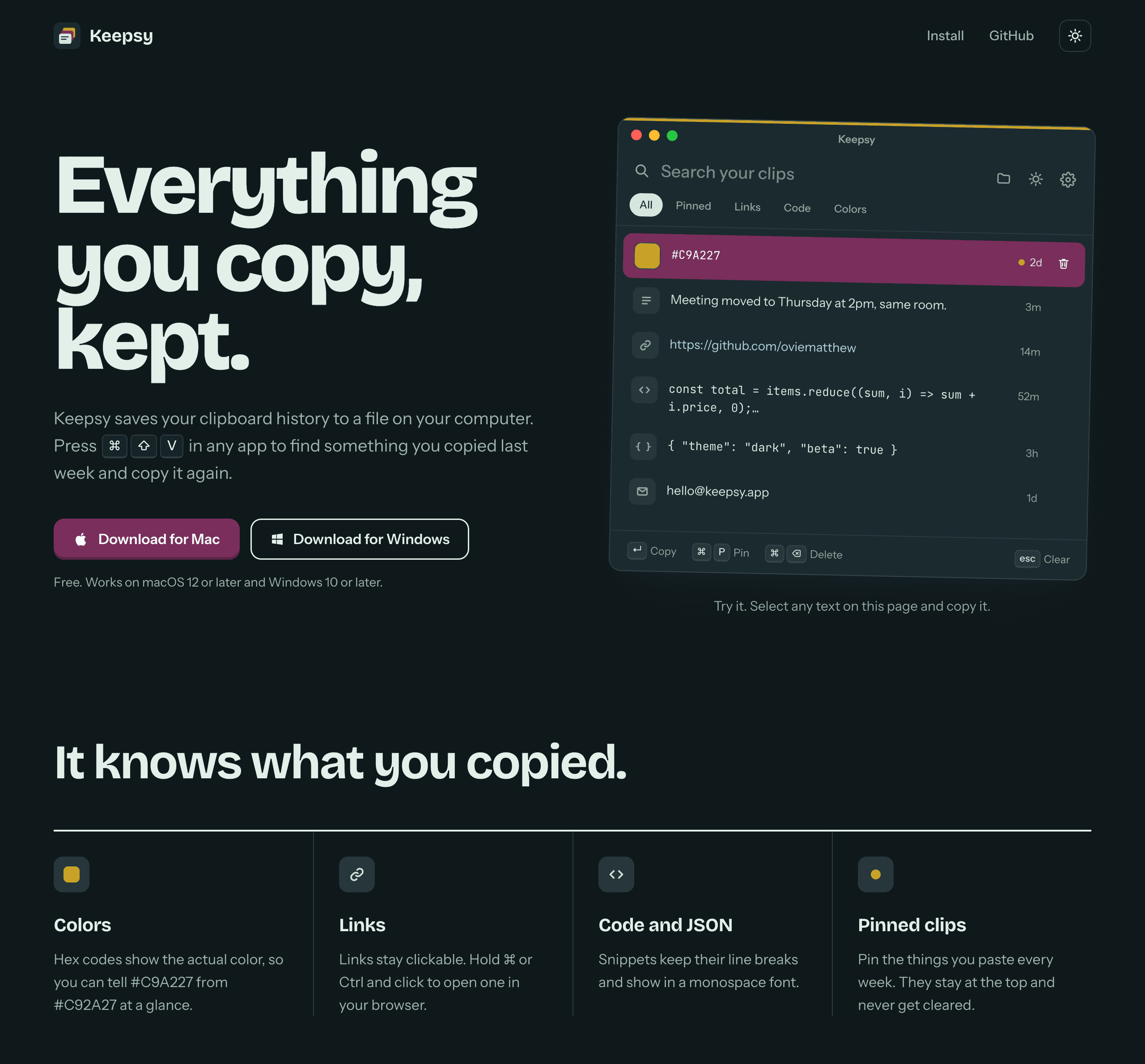
Keepsy sits in the menu bar or system tray and saves everything you copy to a plain JSON file on your computer. It opens as a native window with the system's close, minimize and expand buttons, and closing it keeps Keepsy running in the background. Press ⌘⇧V (Ctrl+Shift+V on Windows) in any app to search your history, then copy something again. No account, no cloud.
It recognises what you copied: colors show a swatch, links stay clickable, and code and JSON keep their formatting. Pinned clips stay at the top and never get cleared, and any clip can be deleted from the list, with a confirmation you can switch off in settings. A folder button shows where the history file lives, and a settings view shows the current version, checks for updates and lists every shortcut. Light and dark themes follow your system setting, or you can choose one from the window or the menu bar. GitHub Actions builds the .dmg and .exe on every tagged release, and a Next.js landing page with a live in-browser demo links straight to the latest downloads.
Next project
Bedge Pictures